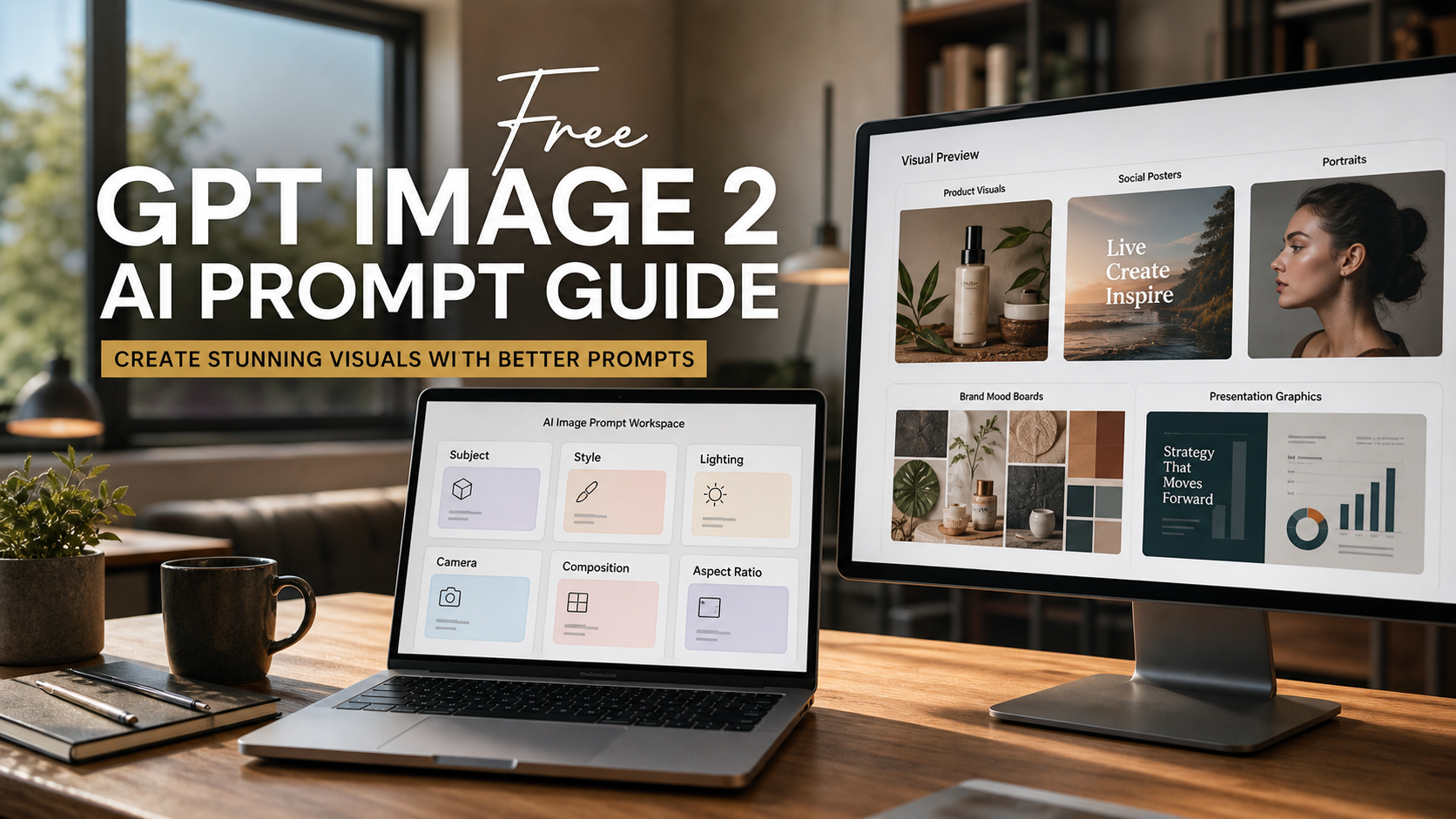
If you want a free NoteGPT alternative for GPT Image 2 without opening an account, Free Mini GPT AI is the most focused place to start. Its dedicated Free GPT Image 2 page currently supports text prompts, optional reference images, common upload formats, and browser-based generation without a stated signup requirement.
NoteGPT remains the better fit when image generation is only one part of a larger notes, research, summarization, writing, or presentation workflow. MiniGPT is the simpler choice when the job is primarily visual: create a poster, edit a product photo, transform a reference image, or draft a social graphic.

MiniGPT vs NoteGPT: The Quick Recommendation
The practical difference is scope. NoteGPT GPT Image 2 sits inside a broad learning and productivity platform, while MiniGPT GPT Image 2 is built around a shorter image-generation path.
Choose by task:
- Best for an all-in-one learning and content platform: NoteGPT.
- Best for focused no-signup GPT Image 2 use: MiniGPT.
- Best for editing an existing picture: MiniGPT Free Image-to-Image AI.
- Best for changing a background, object, color, or outfit: MiniGPT Free AI Image Changer.
- Best for natural-language photo edits: MiniGPT Free AI Image Editor.
- Best for creating an image from scratch: MiniGPT Free GPT Image 2 or the Free Text-to-Image Generator.
This is a workflow recommendation, not a claim that the two sites expose identical model settings or produce identical results. Their live quotas, output controls, and generation infrastructure may differ.

Is MiniGPT Really Free and Available Without Signup?
MiniGPT currently presents its GPT Image 2 experience as free and available without signup or a credit card. The live page also advertises prompt-based creation, reference-image uploads, aspect-ratio controls, and support for JPEG, JPG, PNG, and WebP files. Those points make it a strong candidate for anyone searching for GPT Image 2 free online without login.
However, the wording deserves a careful reading. Some MiniGPT pages use “100% free” and “unlimited generations,” while nearby copy describes higher-quality access as a “free trial.” The safest description is therefore free to try without signup based on the current page, not permanently unlimited.
NoteGPT has a similar wording conflict. Its broad image-generator page uses “free” and “unlimited” language, but the active GPT Image 2 area currently states two free GPT Image 2 images daily. It also says unsaved images will not be retained when the user is not signed in.
Before publishing a claim about either tool, test both in a fresh private-browser session. Generate several images, upload a reference, download the results, and watch for a quota, login wall, quality restriction, or watermark. A current-page label is useful evidence, but repeated live use is the better test.

MiniGPT vs NoteGPT for GPT Image 2 Image Creation and Editing
MiniGPT is easier to recommend when the reader only wants image tools. NoteGPT is more compelling when the same project also involves study notes, source summaries, writing assistance, slides, or research organization.
| Comparison point | MiniGPT | NoteGPT |
|---|---|---|
| Primary fit | Focused image creation and editing | Broader learning and productivity suite |
| Signup | Current MiniGPT pages advertise no signup | Current GPT Image 2 page advertises no signup; unsaved work may not be retained |
| Free access | Advertised as free to try; repeated-use limits need testing | Active GPT Image 2 area currently shows two free images daily |
| Text to image | Available through GPT Image 2 and a dedicated text-to-image page | Available on the GPT Image 2 generator |
| Reference images | Current GPT Image 2 page supports optional uploads | Current GPT Image 2 interface shows reference-image slots |
| Image editing | Separate image-to-image, changer, and editor pages | Dedicated image tools are available within the wider platform |
| Upload formats | MiniGPT currently lists JPEG, JPG, PNG, and WebP | Verify accepted formats in the live upload control |
| Best use | Posters, products, thumbnails, social graphics, quick edits | Images used alongside notes, research, writing, or presentations |
Output quality should be tested rather than assumed. Use the same prompt, reference file, aspect ratio, and visual goal on both sites. Then compare prompt adherence, text rendering, product preservation, portrait consistency, generation time, crop options, download quality, and visible watermarks.
For posters, inspect spelling and hierarchy. For product images, check whether packaging, labels, proportions, and materials remain stable. For portraits, compare facial identity, age, skin tone, hairstyle, and pose across variations. These checks matter more than a single attractive sample.

Which Free MiniGPT Image Tool Should You Use?
MiniGPT separates common image tasks into focused pages, which helps users avoid forcing every job through one generic generator.
Free GPT Image 2 for general creation
Use Free GPT Image 2 for prompt-based images and reference-guided generation. It is the best default for posters, educational graphics, product concepts, thumbnails, marketing visuals, and social content.
Free Image-to-Image AI for transformations
Use Free Image-to-Image AI when an existing picture should guide the result. It is suitable for restyling, campaign variations, visual reinterpretation, and turning one source image into several creative directions.
Free AI Image Changer for controlled replacements
Use the Free AI Image Changer when the instruction is specific: replace the background, remove an object, recolor an item, change an outfit, or move the subject into another setting. State clearly what must remain unchanged.
Free AI Image Editor for plain-language edits
Use the Free AI Image Editor for natural-language photo and design changes. This route is useful when the task feels more like editing than generating a new concept.
Free Text-to-Image Generator for a blank canvas
Use the Free Text-to-Image Generator when you have no reference image. Define the subject, composition, lighting, color palette, format, and intended use in the first prompt.
The simplest rule is: start with GPT Image 2 for general work, then move to the more specific tool when preservation or controlled editing becomes the priority.

How to Test a Free NoteGPT Alternative Fairly
A fair comparison uses the same inputs and judges the output against the same goal. Testing random prompts on different days tells you little about which tool fits a repeatable workflow.
Run four small tests:
- Poster test: generate a vertical poster with an exact headline and subtitle. Check spelling, hierarchy, spacing, and whether the text remains readable.
- Product test: upload a product photo and change only the background. Check packaging shape, color, label area, reflections, and shadows.
- Portrait test: upload a portrait and change only clothing or setting. Check face, hairstyle, age, skin tone, pose, and expression.
- Iteration test: generate several versions in a fresh private window. Record when login, quota, speed, quality, or download restrictions appear.
Also review mobile usability and aspect-ratio controls. A tool can produce a strong square image yet still be awkward for 9:16 stories, 4:5 product ads, or 16:9 blog covers. The best NoteGPT alternative is the one that handles your most common format with the least correction.
Do not use one successful image as proof of reliable prompt adherence. Repeat the same test several times and judge the pattern.

GPT Image 2 Prompts for Posters, Products, Portraits, and Social Graphics
Structured prompts make comparisons more useful because they separate the visual goal from the details that must remain stable.
Reusable text-to-image formula
Create a [format and purpose] for [audience] featuring [subject] in [setting]. Composition: [placement, camera angle, hierarchy, and negative space]. Style: [photographic, editorial, commercial, infographic, or illustration style]. Lighting: [lighting]. Color palette: [colors]. Include the exact text "[copy]" in [position and typography style]. Aspect ratio: [ratio]. Avoid [unwanted details].
Reusable reference-editing formula
Use the uploaded image as the main reference. Preserve [face, product, pose, composition, colors, packaging, or materials]. Change only [background, clothing, object, lighting, text, style, or atmosphere]. Keep all untouched details consistent. Avoid [identity drift, altered product shape, extra objects, distorted anatomy, or unreadable text].
Copy-ready prompts
- Create a 16:9 educational cover about [topic]. Use a clean editorial composition, one clear visual metaphor, realistic lighting, and empty space for a headline.
- Create a vertical social-media poster with the exact headline "[headline]" and subtitle "[subtitle]." Use bold readable typography, strong visual hierarchy, and a restrained modern color palette.
- Use the uploaded product image as the reference. Preserve the exact packaging, label, shape, colors, and camera angle. Replace only the background with a bright modern kitchen.
- Use the uploaded portrait as the reference. Preserve the face, hairstyle, age, skin tone, expression, and pose. Replace only the clothing and studio background.
- Create a YouTube thumbnail about [topic]. Place one expressive fictional presenter on the right and one clear visual symbol on the left. Use cinematic contrast and clean negative space for title text.
- Create a six-section infographic explaining [topic]. Use concise labels, simple icons, balanced spacing, and a clear visual reading order.
- Remove the distracting object from the uploaded image. Reconstruct the hidden background naturally while preserving the subject, lighting, shadows, and composition.
- Create three campaign variations from the uploaded product image. Preserve the product exactly while changing the setting to a studio, outdoor lifestyle scene, and premium interior.
For commercial layouts, treat generated text as a draft. Check every word manually and add final legal copy, prices, and claims in a design tool.

Downloads, Watermarks, Privacy, and Commercial Use
Access is only one part of the decision. Before uploading client work or publishing generated images, verify the live terms for downloads, watermarks, storage, privacy, and commercial use.
Check these points on both platforms:
- Whether anonymous generations are stored and for how long.
- Whether uploaded reference images are retained or used to improve services.
- Whether downloads include visible or metadata-based watermarks.
- Whether output resolution changes after login or payment.
- Whether commercial use is allowed for your plan and jurisdiction.
- Whether you own the source photo, product design, logo, and other uploaded assets.
- Whether the output contains protected characters, celebrity likenesses, or confusing brand elements.
MiniGPT and NoteGPT are independent services. Neither should be described as affiliated with the other, and MiniGPT should not be presented as an official OpenAI service unless an official source explicitly confirms that relationship.
For sensitive portraits, unreleased products, student data, or client assets, read the current privacy and terms pages before uploading. When the policy is unclear, use a non-sensitive test image.

Frequently Asked Questions
Can I use MiniGPT GPT Image 2 without creating an account?
MiniGPT currently advertises its GPT Image 2 page as requiring no signup and no credit card. Test the live page in a private-browser session because access rules can change.
Is MiniGPT GPT Image 2 permanently unlimited?
That is not confirmed. Some pages currently advertise unlimited generations, while other copy describes the experience as a free trial. Treat it as free to try unless repeated testing confirms otherwise.
Is MiniGPT more generous than NoteGPT?
The current pages suggest different quota language, but a reliable comparison requires the same repeated test on both sites. NoteGPT’s active GPT Image 2 area currently states two free images daily.
Can MiniGPT edit an uploaded image?
Its current GPT Image 2 and image-to-image pages advertise reference-image uploads. Use the dedicated image changer when you need a controlled background, object, color, or outfit edit.
Which tool is better for posters and thumbnails?
MiniGPT is the more focused starting point for a purely visual task. Test exact text, layout, negative space, and aspect ratio before choosing it for repeated production.
Can I use the generated images commercially?
Do not assume commercial rights from “free” access. Review the current terms, your plan, the source assets, and any third-party rights before publishing or selling the output.

Final Verdict: The Best Free NoteGPT Alternative for GPT Image 2
MiniGPT GPT Image 2 is the best focused free NoteGPT alternative for GPT Image 2 when you want to create or edit images without a stated signup requirement. Its supporting image-to-image, changer, editor, and text-to-image pages make it especially practical for posters, products, portraits, thumbnails, educational graphics, and social campaigns.
Choose NoteGPT when images belong inside a broader notes, research, writing, or presentation workflow. Choose MiniGPT when the assignment is primarily visual and you want the shortest route from prompt or reference image to a downloadable draft.
Before relying on either platform, repeat the same tests in a fresh session and verify quotas, downloads, watermarks, privacy, and commercial terms. That small check is more useful than any permanent-sounding “free” label.
Related reading:
- GPT Image 2 on MiniGPT AI: Free Image Generation and Editing Guide
- Free GPT Image 2 AI Prompt Guide
- MiniGPT Free AI Image Editor for Creators